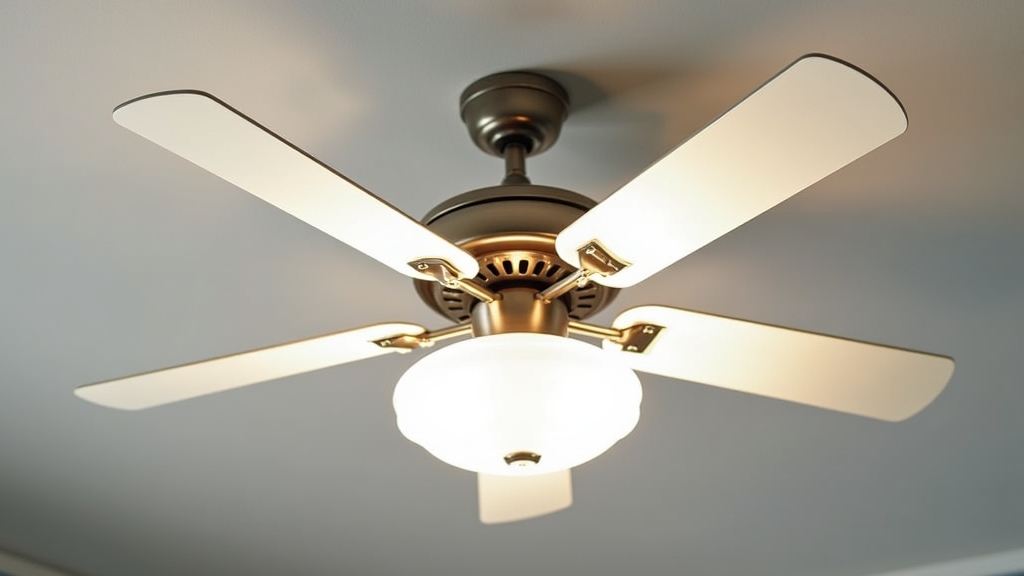
Enhancing Home Comfort Through Ceiling Fan Installation
In most homes, the air conditioner works overtime to maintain a comfortable temperature. From experience, one of the most effective ways to reduce your carbon footprint while lowering utility bills is to improve air circulation. A ceiling fan doesn't actually lower the room temperature, but it creates a wind-chill effect that allows you to raise your thermostat by about 4 degrees without losing comfort. What works best is a well-installed fan that operates silently and efficiently. This guide will take you through the practical steps of ceiling fan installation, focusing on safety, stability, and proper ceiling fan wiring.
Essential Tools and Materials
Before you begin, gather everything you need to avoid mid-project trips to the hardware store. One thing many people overlook is checking whether their existing electrical box is actually rated for the weight and vibration of a fan. In my experience, using a standard light fixture box is the most common cause of safety issues later on.
- Screwdrivers: Both Phillips and flat-head.
- Wire strippers and cutters: For preparing the ceiling fan wiring.
- Non-contact voltage tester: To ensure the power is completely off.
- Step ladder: Tall enough to reach the ceiling comfortably.
- Wrench or pliers: For tightening mounting bolts.
- Electrical tape and wire nuts: Usually included, but extras are helpful.
- Fan-rated junction box: If your current box isn't rated for fans.
Preparation and Safety Steps
The key thing to remember when working with electricity is that safety is non-negotiable. The real issue usually isn't the complexity of the wiring, but the failure to properly secure the power source. Over the years, I have learned that double-checking the circuit breaker is the only way to work with total peace of mind.
Turn Off the Power
Locate your home's main electrical panel. Identify the circuit for the room where you are working and flip it to the 'off' position. After doing this, try to turn on the existing light switch. Use your non-contact voltage tester at the fixture itself to confirm no electricity is flowing. Never rely solely on the wall switch.
Verify the Support Box
If you are replacing an old light fixture, what I have found is that the junction box is often a simple plastic or thin metal box nailed to a joist. Ceiling fans are heavy and create dynamic loads due to rotation. You must ensure the box is marked 'UL Listed for Ceiling Fan Support.' If it isn't, you will need to install a fan-rated brace that expands between the ceiling joists.
Step-by-Step Ceiling Fan Installation
A common situation is feeling overwhelmed by the number of parts in the box. I recommend laying everything out on a soft surface like a rug to prevent scratching the fan blades or motor housing.
1. Install the Mounting Bracket
Screw the metal mounting bracket to the fan-rated junction box. Ensure the electrical wires from the ceiling are pulled through the center of the bracket. Tighten the screws firmly; any movement here will lead to a wobbling fan later. From experience, using lock washers can help prevent these screws from loosening over time due to vibration.
2. Assemble the Fan Motor
Most fans use a downrod system. Feed the wires from the top of the fan motor through the downrod. Insert the downrod into the motor collar, secure it with the included pin and cotter hairclip, and tighten the setscrews. If your ceiling is low, you might be using a 'hugger' style mount, which skips the downrod and attaches the motor housing directly to the mounting plate.
3. Hang the Motor
Lift the motor assembly and place the ball end of the downrod into the mounting bracket's socket. There is usually a small groove in the ball that must align with a tab on the bracket. This holds the fan in place, allowing you to have both hands free for the wiring process.
4. Connect the Ceiling Fan Wiring
This is where most homeowners feel hesitant. In most homes, you will see three wires: black (hot), white (neutral), and green or bare copper (ground). The fan will typically have a black wire (motor power), a blue wire (light power), and a white wire (neutral).
- Ground wires: Connect all green or bare copper wires together using a wire nut.
- Neutral wires: Connect the white wire from the ceiling to the white wire from the fan.
- Power wires: Connect the black wire from the ceiling to both the black and blue wires from the fan. This allows one wall switch to control both the fan and light. If you have two wall switches, connect the black ceiling wire to the black fan wire, and the red (or second) ceiling wire to the blue fan wire.
5. Attach the Blades and Light Kit
Once the wiring is tucked neatly into the box and the canopy is screwed into place, attach the fan blades. What works best is tightening the blade screws in a circular pattern and then double-checking them. Finally, plug in the light kit assembly (if applicable) and install the bulbs and glass shades.
Tips for Best Results and Sustainability
One thing many people overlook is the direction of the fan. During the summer, your fan should rotate counter-clockwise to push air straight down. In the winter, reverse the motor so it spins clockwise at a low speed; this pulls cool air up and pushes the warm air trapped at the ceiling back down into the living space. This simple adjustment can save significantly on heating costs.
Furthermore, ensure the blades are at least 7 feet above the floor and 18 inches away from the walls. This provides the optimal airflow path and prevents the 'chopping' sound that occurs when blades are too close to a vertical surface.
Troubleshooting Common Issues
If your fan wobbles, the real issue usually is an unbalanced blade or a loose mounting bracket. Most fans come with a balancing kit (small weights). Use these to find the heavy blade and neutralize the movement. If you hear a humming sound, it often stems from using a solid-state dimmer switch with a fan motor—these are not compatible. Ensure you are using a dedicated fan speed control switch instead.