Why Most Smart Thermostat Installations Fail Over Time
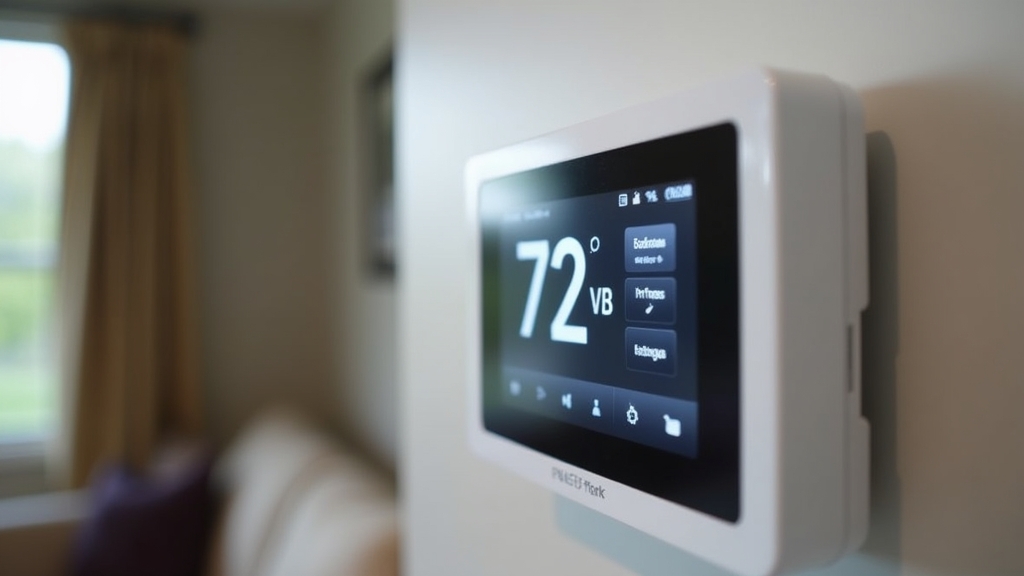
In my years managing properties, I have seen dozens of smart thermostats fail just a few months after installation. Usually, the owner is frustrated because the screen goes blank or the HVAC system starts 'short cycling.' The problem is rarely the device itself. Instead, the issue stems from a 'band-aid' installation approach. Many people treat a smart thermostat like a simple battery-operated wall clock, but it is actually a sophisticated computer that manages your home’s most expensive equipment.
Here is the thing: a smart thermostat requires a constant, stable power source and a precise connection to your HVAC controls to actually deliver on the promise of energy efficiency. If you do not set the foundation correctly, you are not saving money; you are just adding a point of failure to your home.
Root Causes and Contributing Factors
To understand how to fix the installation permanently, we have to look at why the old systems worked and why the new ones struggle. Traditional thermostats were simple switches. They did not need much power because they only closed a circuit to turn on the heat or air conditioning.
The Power Gap
Smart thermostats feature Wi-Fi chips, backlit screens, and processors. These components draw significantly more power. What most people miss is that without a dedicated power line—known as the Common wire or C-wire—the thermostat must 'steal' power from the heating or cooling circuits. This often leads to erratic behavior in the HVAC system, especially during extreme weather when the system is under stress.
Air Leaks and Ghost Readings
Another contributing factor is the physical hole behind the thermostat. Modern sensors are incredibly sensitive. If unconditioned air from inside the wall cavity leaks through the wire hole, the thermostat reads a temperature that does not reflect the actual room environment. This causes the system to run longer than necessary, defeating the purpose of energy efficiency.
Immediate Steps to Take Before Installation
Before you remove your old unit, you must verify what you are working with. This is where the long-term fix begins. Most people rush this and end up with a dead system in the middle of July.
Check Your Voltage
Remove the cover of your existing thermostat and look at the wires. If you see thick wires connected with wire nuts, or if the labels say 120V or 240V, stop immediately. You have a high-voltage system (common in baseboard heaters). Standard smart thermostats are low-voltage (24V) and will explode or cause a fire if connected to high-voltage lines. The good news is that they make specific smart thermostats for high-voltage systems, but the installation process is entirely different.
Document the Current Wiring
Now, the important part: take a clear photo of the existing wiring while the wires are still attached to the terminals. Do not trust the colors of the wires. In the field, I have seen 'red' wires used for ground and 'blue' wires used for power. Always follow the letter labels on the thermostat baseboard (R, W, Y, G, C) rather than the color of the insulation.
Long-Term Prevention Strategies: The Permanent Fix
A permanent installation means ensuring the thermostat never loses power and communicates perfectly with your HVAC controls. There are three ways to achieve this, ranked from best to 'acceptable.'
Option 1: The Gold Standard (Pulling New Wire)
If your house was built before the 1990s, you likely only have two or four wires running to your thermostat. For a truly permanent fix, I recommend pulling a new 18/5 or 18/8 thermostat cable from the furnace to the wall location. This gives you a dedicated C-wire and extra conductors for future upgrades, like whole-home humidifiers. It sounds difficult, but in most single-story homes with a basement or attic, you can use the old wire to pull the new wire through the wall.
Option 2: Using a C-Wire Adapter
If pulling new wire is impossible, use a high-quality C-wire adapter (often included with brands like Google Nest or Ecobee). This is where it gets interesting: the adapter does not just 'trick' the system; it splits the signal at the furnace control board.
To install this permanently:
- Locate your HVAC control board inside the furnace closet.
- Connect the adapter according to the manufacturer’s diagram, ensuring all terminal screws are tight.
- Mount the adapter securely to the chassis using a zip tie or screw so it doesn't vibrate loose during furnace operation.
Option 3: Sealing the Envelope
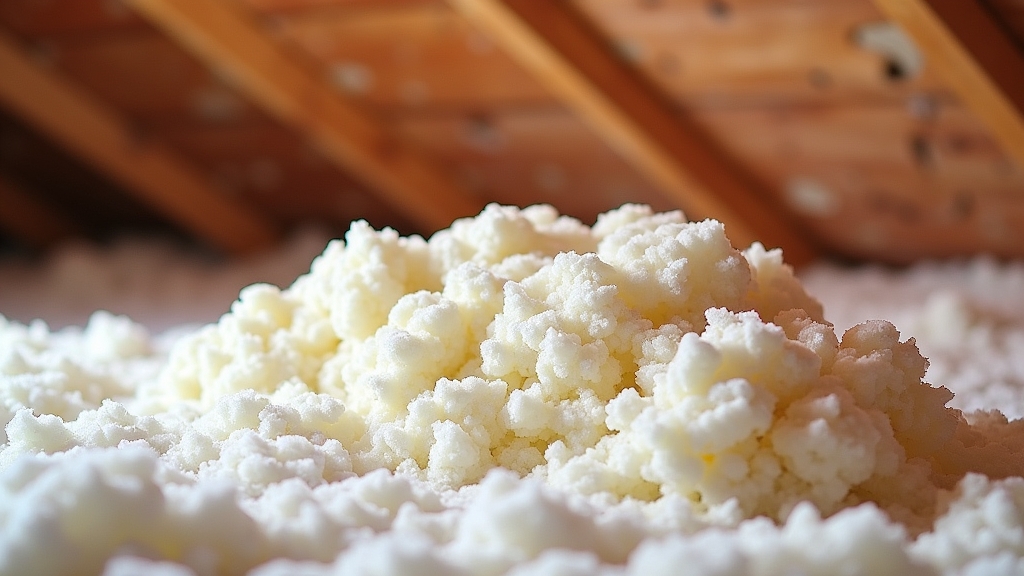
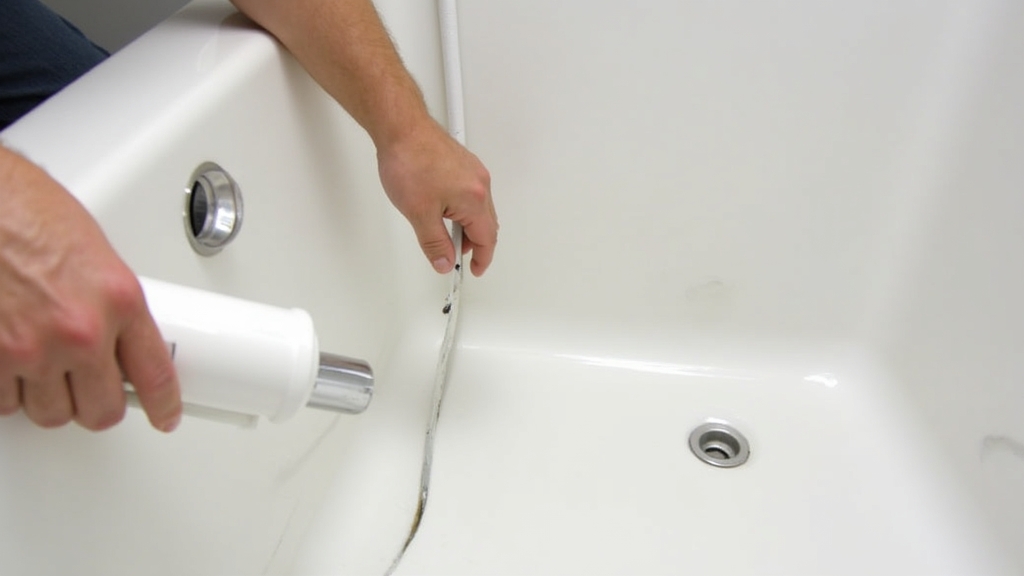
Something to keep in mind is the physical mounting. Once the wires are through the wall, use a small amount of plumber's putty or non-flammable spray foam to seal the hole behind the thermostat. This prevents 'wall drafts' from hitting the sensor. I have seen this one 5-minute fix reduce HVAC run times by 10% in older homes.
Configuring HVAC Controls for Maximum Efficiency
Once the hardware is up, the software configuration determines your long-term results. On the other hand, a poorly configured 'smart' thermostat can be less efficient than a manual one.
Set Your Cycle Rates
Most smart thermostats allow you to adjust the 'swing' or 'differential.' This is the number of degrees the temperature must change before the system kicks on. Setting this too tight (e.g., 0.5 degrees) causes the system to turn on and off constantly, which wears out the compressor. A 1.0 to 1.5-degree differential is usually the sweet spot for longevity.
Heat Pump Settings
If you have a heat pump with auxiliary heat (electric heat strips), pay close attention to the 'Aux Heat Lockout' setting. You want to prevent the expensive electric strips from turning on unless it is truly too cold for the heat pump to keep up. Worth mentioning: setting this lockout to 35°F or 40°F can save hundreds of dollars over a single winter.
When to Call a Professional
While most homeowners can handle a standard thermostat wiring job, some scenarios require a pro. If you open your furnace panel and see a mess of 'spaghetti wiring' with no clear labels, or if you have a multi-stage system with zoned dampers, call an HVAC technician.
Also, if you have a proprietary 'communicating' system (often found in high-end Carrier or Trane units), you cannot use a standard smart thermostat without a special interface module. Forcing a third-party thermostat onto these systems will often disable the variable-speed features that make them efficient in the first place.