Why Your Current Desk Power Strategy Is Failing
In most homes I have visited over the last three decades, the area under the desk is a disaster zone of tangled cords and overloaded power strips. What I have found is that most people approach desk power as an afterthought, plugging in one device at a time until they run out of space. The real issue usually isn't a lack of plugs; it’s a lack of accessible, high-quality power right where the work happens.
As we transition to more devices that rely exclusively on USB for charging, the old method of using a bulky wall adapter for every single phone, tablet, and peripheral is becoming obsolete. From experience, I can tell you that poorly planned power setups lead to more than just a messy room—they lead to heat buildup, tripped breakers, and damaged electronics. Integrating a dedicated desk power station or a usb wall outlet isn't just about convenience; it's about building a system that handles modern electrical loads safely.
Root Causes of Charging Failures and Heat Issues
One thing many people overlook is that not all USB power is created equal. When you install a charging dock or a desk-mounted outlet, you are dealing with two distinct types of electrical flow: the high-voltage AC coming from your wall and the low-voltage DC required by your devices. Problems usually arise from three specific areas.
Poor Thermal Management
Electricity generates heat. When you tuck a power strip mount behind a wooden desk or inside a closed drawer, you are creating a kiln. Over the years, I have learned that wood is a great insulator, which is the last thing you want when you have multiple transformers running at once. If the heat can’t dissipate, the internal components of the USB chargers degrade, leading to slower charging speeds or total failure.
Voltage Drop and Cable Length
A common situation is someone running a long, cheap USB extension from a wall outlet to their desk. What works best is keeping the high-voltage AC line as long as necessary to reach the desk, and keeping the USB cables as short as possible. Long USB cables suffer from voltage drop, meaning your device might show it's charging, but it’s actually receiving a fraction of the power it needs to top off the battery efficiently.
Overloaded Circuits and Daisy-Chaining
In my experience, the biggest safety hazard is 'daisy-chaining'—plugging one power strip into another to reach a desk. This creates high resistance at every connection point. If you add a USB wall outlet to an already crowded circuit that powers a space heater or a high-end gaming PC, you are asking for a nuisance trip at the breaker panel, or worse, a melted receptacle.
Immediate Steps to Upgrade Your Desk Power
If you are tired of crawling under your desk to plug in a phone, you need to move the power to the surface. However, you must do it the right way to ensure longevity. The first step is to audit your power needs. Count your high-draw devices (monitors, computers) and your low-draw devices (phones, headphones, keyboards).
Installing a Desk-Mounted Power Station
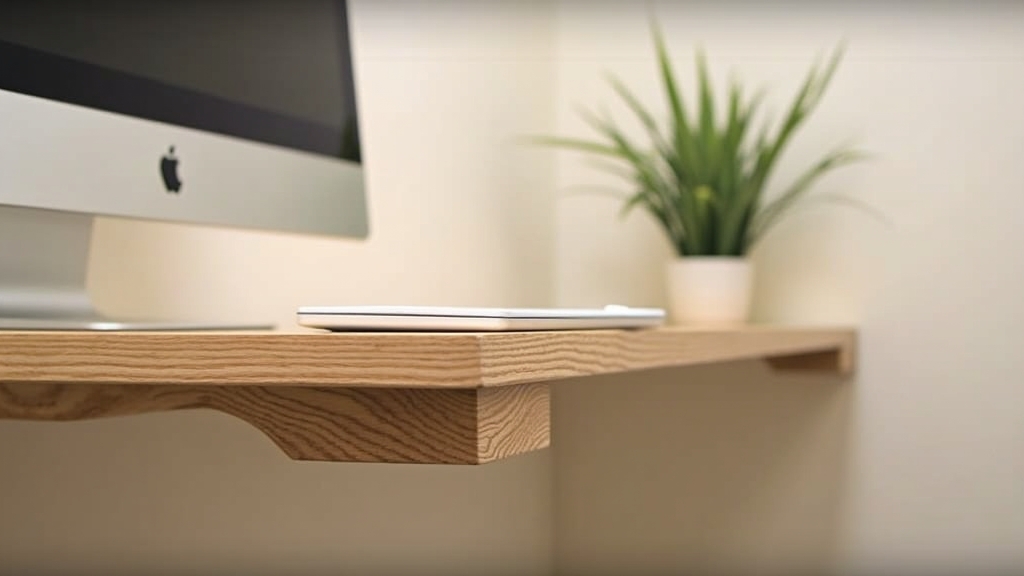
Instead of a loose power strip on the floor, use a dedicated power strip mount that clamps to the edge of the desk or screws into the underside. This keeps the connections rigid. When connections move around, the copper wires inside the cords eventually fatigue and break. By securing the power station, you eliminate the physical stress on the cables.
Swapping Wall Receptacles
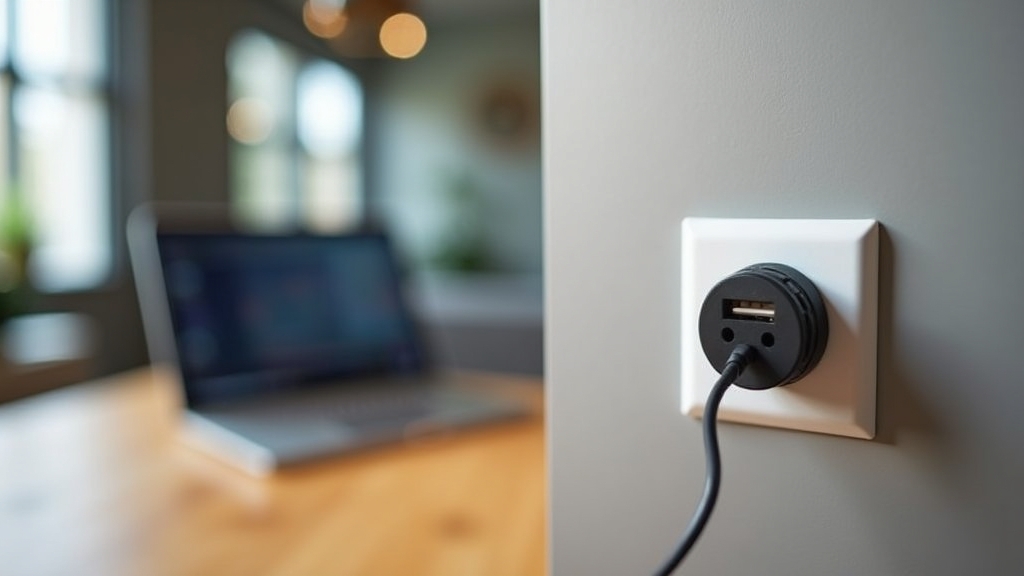
If your desk sits flush against a wall, the most professional-looking solution is to replace the standard wall receptacle with a high-output usb wall outlet. This eliminates the need for 'wall warts' (the bulky blocks). Look for outlets that offer at least 4.0 amps of total USB output. Anything less will struggle to charge a modern tablet and a phone simultaneously.
Long-Term Prevention Strategies
To prevent future electrical headaches, you need to think about how your home office will evolve. What I have found is that people always add more devices, they never subtract them. Planning for 20% more capacity than you currently need is the golden rule of contracting.
Dedicated Circuits for Home Offices
If you are doing a larger renovation, the key thing to remember is that a modern home office should ideally be on its own 20-amp circuit. This is especially true if you have laser printers or high-performance computers. Separating your desk power from the rest of the room’s lights and general-purpose outlets prevents flickering lights when your computer fans kick into high gear.
Cable Management and Airflow
Proper cable management isn't just for aesthetics. Use J-channels or mesh trays under the desk to keep cables organized. Ensure that any USB charging dock has at least two inches of clearance on all sides for airflow. Avoid burying your power hubs under stacks of papers or behind curtains.
When to Call a Professional
While mounting a power strip is a simple DIY task, there are times when you need an electrician. If you notice your wall outlets feel warm to the touch, if you hear a faint buzzing sound when devices are charging, or if your lights flicker when you plug in your laptop, there is an underlying wiring issue. From experience, these are signs of loose terminations or an overtaxed neutral wire. Don't risk a fire by trying to patch over these symptoms with more power strips; get the circuit inspected.