Creating Harmony in a Shared Workspace
Sharing a home office is much like gardening in a small urban balcony. You have limited 'soil' (square footage) and multiple 'plants' (workers) vying for the same sunlight and nutrients. If you don't structure the environment correctly, one person’s productivity will eventually overshadow the other’s. As someone who has spent years helping city dwellers maximize every inch of their living space, I can tell you that successful spatial design is about more than just physical barriers; it’s about creating a sustainable ecosystem where two people can thrive simultaneously.
When you set out to divide a shared home office, it is tempting to simply shove two desks against a wall and call it a day. However, it is worth doing right the first time. Taking the time to consider flow, light, and acoustics will save you months of frustration and 'accidental' interruptions during Zoom calls. In this guide, we will explore how to implement a dual desk setup using room dividers and privacy screens, while steering clear of the common mistakes that turn a shared workspace into a source of domestic friction.
Tools and Materials Needed
Before you begin moving heavy furniture, gather these essentials. Having everything on hand allows you to focus on the nuances of the layout without distraction.
- Measuring Tape: Accuracy is everything in small spaces.
- Painter’s Tape: To mock up the footprint of your furniture on the floor.
- Room Dividers or Privacy Screens: These can range from folding screens to open-backed bookshelves (Kallax style).
- Acoustic Panels: To dampen the sound of voice calls.
- Cable Management Kits: J-channels, velcro ties, and power strips.
- Lighting Solutions: Task lamps and possibly a floor lamp for ambient light.
- Level: If you are installing floating shelves or wall-mounted dividers.
Preparation Steps: Mapping Your Ecosystem
Do not rush the process of preparation. Just as you wouldn't plant a seed without checking the soil pH, you shouldn't arrange an office without understanding the room’s natural flow. Take your time with this phase; it is the foundation of your success.
1. Measure Twice, Move Once
Measure the entire room, including the swing radius of the door and the location of every power outlet. It’s easy to overlook a radiator or a window sill that might prevent a desk from sitting flush against the wall. Small details matter here.
2. Trace the Footprint
Use your painter's tape to outline where each desk and divider will go. Walk through the room as if you are going to get a cup of coffee. Is the path clear? Does your chair hit your partner's chair when you both push back? Trust your instincts on this one—if it feels cramped in tape, it will feel claustrophobic in furniture.
3. Identify the Light Sources
Observe where the sun falls at different times of the day. One common mistake is placing a desk where the sun creates a blinding glare on the monitor, or where the worker’s own body casts a shadow over their paperwork. Ideally, light should hit the desk from the side.
Detailed Step-by-Step Instructions
Step 1: Positioning the Dual Desk Setup
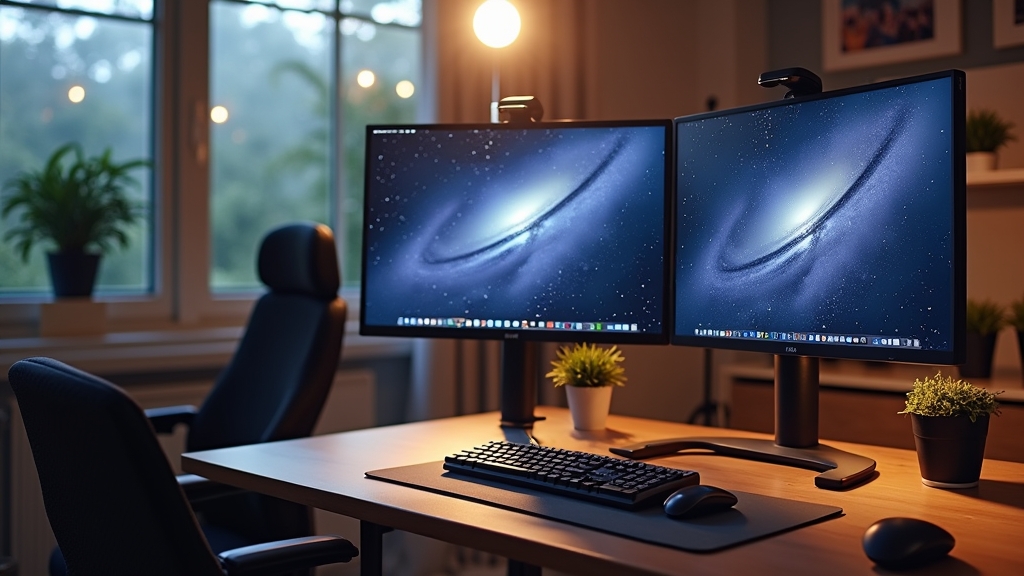
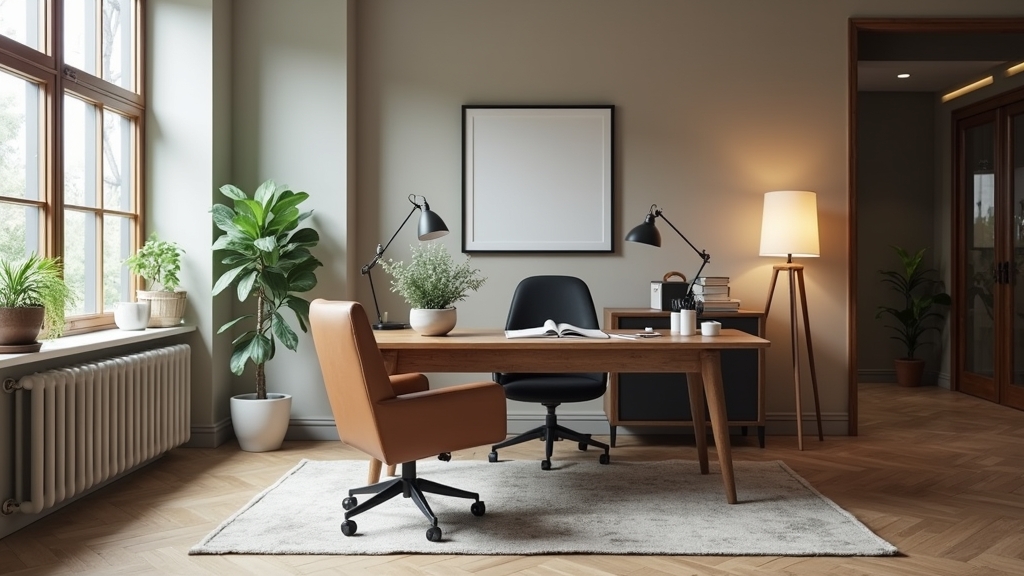
The most common layout is the 'back-to-back' setup, but this is often a mistake. It forces you to look at your partner's back (or worse, their messy cables) and makes video calls difficult. Instead, consider a 'face-to-face' or 'L-shaped' configuration with a privacy screen between the monitors. This creates a psychological boundary while keeping the center of the room open.
Step 2: Installing the Room Divider
Choose a divider that serves a dual purpose. An open-backed bookshelf is my favorite 'gardener’s trick' for offices. It divides the room visually without blocking the flow of light. Place the divider perpendicular to the wall, extending between the two desks. This creates a 'cubicle' feel that defines each person's territory.
Step 3: Managing the Acoustic Environment
Visual privacy is only half the battle. If one of you is in sales and the other is a coder, the noise will become a point of contention. Attach acoustic felt panels to the back of monitors or on the room divider itself. These panels soak up the 'bounce' of your voice, making the room feel quieter even when both people are talking. It’s a small detail that makes a massive difference in daily stress levels.
Step 4: Taming the Cable Forest
Nothing ruins the aesthetic and safety of a shared workspace like a tangle of wires. Use your cable management kit to route all cords along the legs of the desks and under the tabletops. If you are using a room divider in the middle of the floor, ensure cables are covered by a cord protector to prevent tripping. It is worth doing right the first time so you never have to crawl under the desks again.
7 Common Mistakes to Avoid
- The Mirror Trap: Placing desks directly facing each other without a screen. This leads to 'distraction fatigue' as you subconsciously track your partner's movements.
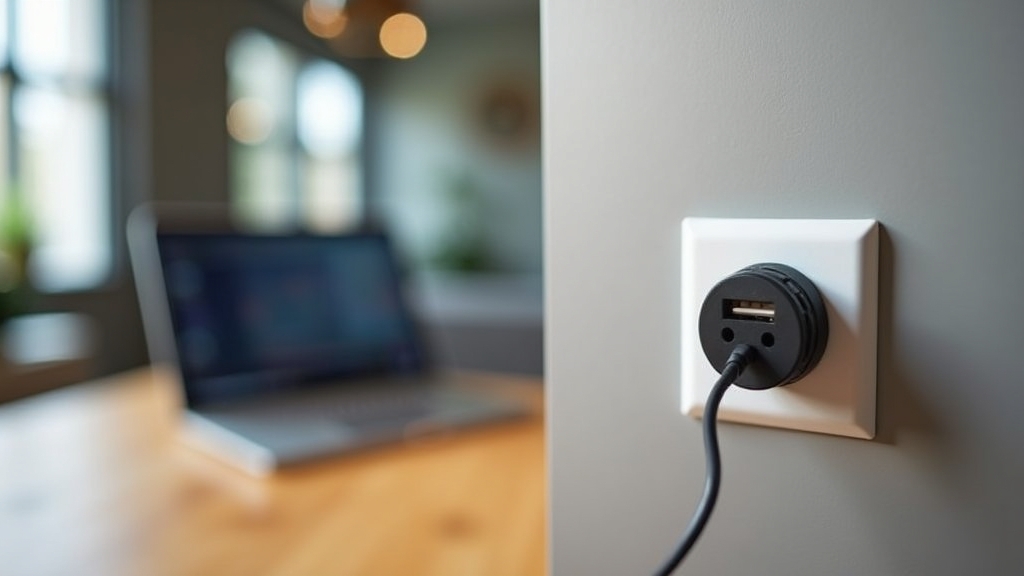
- Neglecting Power Access: Blocking outlets with heavy dividers. Always use a high-quality surge protector that is easily accessible.
- Ignoring the 'Video Call Background': Forgetting what is behind you. Ensure your divider provides a clean, professional backdrop for both users.
- Uniform Lighting: Using one overhead light. Everyone has different preferences; use individual task lamps to allow for personalized 'micro-climates.'
- The Solid Wall Error: Using a solid, ceiling-high divider in a small room. It can make the space feel like a closet and trap heat.
- Encroaching 'Vines': Allowing one person's paperwork or decor to bleed into the other's space. Physical boundaries must be respected.
- Rushing the Setup: Thinking you can finish the whole reorganization in an hour. Quality workspaces take a full afternoon of tweaking.
Tips for Best Results
- Add Greenery: As a gardener, I can't emphasize this enough. Plants like Snake Plants or Pothos thrive in office light and act as 'soft' dividers that improve air quality and mood.
- Use Rugs to Define Zones: Two separate rugs under each desk area can visually anchor the spaces without needing a physical wall.
- Respect the 'Quiet Zone': Establish a rule that when a certain lamp is on or headphones are on, the other person should not be interrupted.
- Ventilation Matters: Two bodies and two computers generate significant heat. Ensure your divider doesn't block the air conditioning vents or window airflow.
Troubleshooting Common Issues
The Room Feels Too Small
If a bookshelf divider makes the room feel cramped, switch to a hanging divider made of felt or translucent resin. These take up zero floor space but still provide a visual break between workstations.
We Keep Overhearing Each Other’s Calls
If acoustic panels aren't enough, invest in high-quality noise-canceling headphones for both parties. Additionally, try to stagger your high-volume meetings if possible. Communication is the best 'tool' in your kit.
One Desk is in the Dark
If your layout forces one desk away from the window, use 'daylight' LED bulbs (5000K-6000K) in that person’s task lamp to mimic natural light and prevent eye strain.