The High Cost of the Makeshift Office
In my years helping city dwellers cultivate gardens on tiny balconies, I have learned one universal truth: environment dictates health. If a plant is root-bound or lacks proper light, it withers. The human body is no different. We were not designed to hunch over a laptop on a kitchen stool for eight hours a day. While many started their remote work journey on a sofa or a dining chair, these temporary fixes have become permanent liabilities. Chronic back pain, carpal tunnel syndrome, and digital eye strain are the 'pests' of the modern office, and without a structural overhaul, they will eventually force a shutdown of your productivity.
Root Causes: Why Your Current Setup is Failing
The primary antagonist in the ergonomic narrative is 'static loading.' This occurs when your muscles remain in a fixed position for extended periods, restricting blood flow and causing metabolites to build up. Here is the thing: most people blame their chair, but the issue is usually a systemic failure of the entire workstation geometry. What most people miss is that the human body functions best in 'neutral' positions—the posture where joints are naturally aligned and stress on muscles and ligaments is minimized.
The Laptop Trap
The laptop is an ergonomic nightmare because it forces a trade-off between neck posture and wrist alignment. If the screen is at the right height, the keyboard is too high. If the keyboard is at the right height, the screen is too low. This leads to the 'C-shape' spinal collapse, which puts immense pressure on the lumbar discs and the cervical spine.
The 'Dangling Foot' Syndrome
Now, the important part that often goes overlooked is the floor. If your chair is raised to reach a high desk and your feet don't firmly plant on the ground, the weight of your legs pulls on your lower back. This creates a mechanical disadvantage that no 'orthopedic' cushion can fix. It is the ergonomic equivalent of planting a heavy shrub in a shallow tray.
Immediate Corrective Steps for Your Workstation
Before investing in high-end equipment, you must optimize the geometry of your existing space. This is where it gets interesting: small adjustments of even half an inch can drastically shift the load on your musculoskeletal system.
Calibrating Your Ergonomic Chair Height
Your chair is the foundation of your workstation. To set the correct ergonomic chair height, stand in front of your chair and adjust the seat pan so the highest point is just below your kneecap. When seated, your feet should be flat on the floor, and there should be a 2-3 inch gap between the edge of the seat and the back of your knees. If your desk is too high to allow this, you must use a footrest. A stable base is non-negotiable for spinal health.
Achieving the Perfect Monitor Level
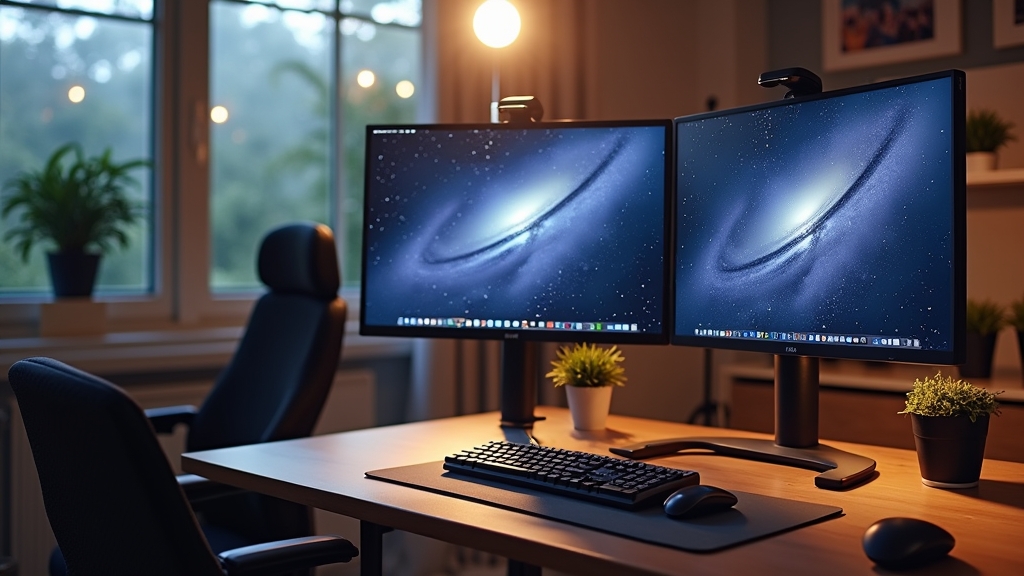
To eliminate neck strain, your monitor level must be precise. The top third of your screen should be at eye level. This allows your gaze to drop naturally without tilting your head. If you use a laptop, you must use a separate riser or a stack of sturdy books, coupled with an external keyboard and mouse. This decoupling is the single most effective 'quick fix' in ergonomics.
Optimizing Desk Posture and Wrist Support
Correct desk posture involves keeping your elbows at a 90 to 100-degree angle, tucked close to your body. Wrist support is often misunderstood; you should never actually rest your wrists on a support while typing. This puts pressure on the carpal tunnel. Instead, use a palm rest to support the fleshy base of your hand during breaks, and maintain a 'floating' neutral wrist position while actively typing. On the other hand, if you find your wrists bending upward, your keyboard is too high or tilted too aggressively.
Long-Term Prevention Strategies
A permanent solution requires more than just a good chair; it requires a change in how you interact with your environment throughout the day. Worth mentioning is the '20-20-20 rule' for eye health: every 20 minutes, look at something 20 feet away for 20 seconds. But for the body, we need structural variety.
The Sit-Stand Transition
The goal is not to stand all day—that brings its own set of circulatory issues. The goal is movement. A high-quality sit-stand desk allows you to oscillate between postures. The transition should happen every 30 to 60 minutes. Something to keep in mind is that when standing, your desk height should be at elbow level, allowing your forearms to rest parallel to the floor.
Input Device Diversity
Repetitive strain thrives on monotony. Switching between a standard mouse, a vertical mouse, and a trackpad can redistribute the physical load across different muscle groups. For those prone to wrist issues, a mechanical keyboard with low-actuation switches can reduce the force required for every keystroke, which adds up to thousands of pounds of less pressure per week.
When to Call a Professional
The good news is that most discomfort can be resolved through these environmental tweaks. However, you should consult a physical therapist or an ergonomic specialist if you experience:
- Persistent numbness or 'pins and needles' in your hands or feet.
- Sharp, localized pain that does not improve with postural changes.
- Muscle weakness that affects your grip strength.
- Chronic headaches that coincide with your work hours.