After thirty years of framing walls, hanging drywall, and finishing high-end renovations, I’ve seen a lot of homeowners focus on the big aesthetic choices while completely ignoring the one thing that makes or breaks a room: the lighting. When it comes to a home office, lighting isn't just about being able to see your keyboard; it’s about managing the biological way your eyes interact with light and shadows. If you've ever ended a workday with a headache or dry eyes, the culprit is likely your task lighting.
Here is the thing: most people assume that a bright overhead light is enough to cover the whole room. In the trade, we call that 'blanket lighting,' and while it’s great for finding a dropped screw on the floor, it’s often terrible for focused work. To truly improve a workspace, you have to understand the difference between ambient, accent, and task lighting. Today, we are going to dive deep into the specific methods of improving your task lighting to ensure your workspace is as efficient as the work you do in it.
Understanding the Three Pillars of Workspace Lighting
Before comparing specific setups, we need to talk about what we are actually trying to achieve. Proper workspace lighting relies on three factors: intensity (how bright it is), color temperature (how warm or cool the light feels), and placement (where the shadows fall). What most people miss is that task lighting should never work alone. It needs to be balanced against the ambient light in the room to prevent high-contrast glare, which is a leading cause of eye strain.
Option 1: Traditional Adjustable-Arm Desk Lamps
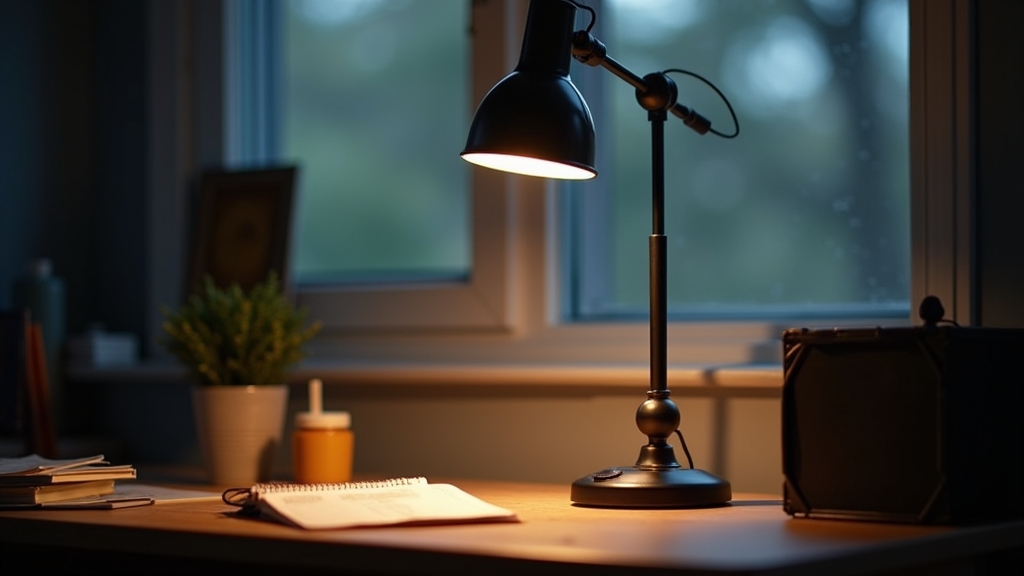
The classic architect-style lamp has been a staple in workshops and offices for decades for a reason. These desk lamps feature a weighted base or a clamp with a multi-jointed arm that allows you to position the light source exactly where you need it.
Pros of Adjustable Lamps
- Precision Positioning: You can move the light closer to a document or further away to reduce glare on a screen.
- Physical Shielding: Most have a deep opaque shade that prevents the bulb from shining directly into your eyes.
- Versatility: They work well for both digital tasks and tactile work, like reviewing blueprints or sketching.
Cons of Adjustable Lamps
- Desk Real Estate: Even with a clamp, the arm takes up physical space in your field of movement.
- Single-Point Shadows: Because the light comes from a small, concentrated source, it creates sharp shadows. If you are right-handed and the lamp is on your right, your hand will cast a shadow over your work.
Option 2: Monitor Light Bars and Screen Mounting
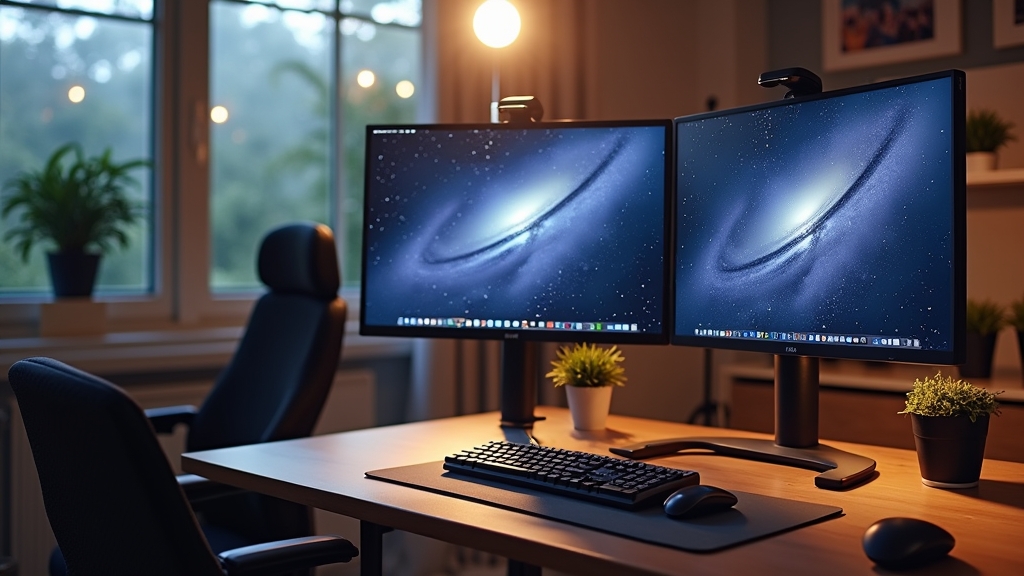
This is where it gets interesting for the modern digital worker. A monitor light bar (or screen bar) sits on top of your computer monitor and casts a wide, asymmetrical beam of light downward onto the desk surface without hitting the screen itself.
Pros of Monitor Light Bars
- Zero Footprint: It takes up no space on your desk surface, which is ideal for smaller setups.
- Glare Prevention: The optics are designed to cut off the light before it hits the glass of the monitor, preventing the 'washout' effect common with standard lamps.
- Uniformity: The linear light source creates a softer, more distributed glow across the keyboard area.
Cons of Monitor Light Bars
- Limited Reach: It is excellent for the area directly in front of the screen, but it won't help if you need to read a book off to the side.
- Webcam Interference: Depending on the design, it can sometimes interfere with the placement of a top-mounted webcam.
Option 3: Integrated LED Office Lights and Strips
In high-end renovations, we often install LED office lights directly into cabinetry or shelving above the desk. This creates a seamless, built-in look that mimics the under-cabinet lighting found in modern kitchens.
Pros of Integrated LEDs
- Shadow Reduction: A long strip of LEDs produces virtually no shadows because light is coming from dozens of points along a line.
- High Intensity: Modern LED strips can be very bright, providing ample light for the entire desk surface.
- Aesthetics: It’s the cleanest look possible, with no visible fixtures or cords on the desk.
Cons of Integrated LEDs
- Permanence: Once installed under a shelf, you can't easily move the light if you decide to rearrange your desk.
- Installation Complexity: Often requires drilling or careful wire management to keep it looking professional.
Cost Comparison and Value Analysis
Now, the important part: what does this cost you? Lighting prices vary wildly, but we can look at the general investment levels for each approach.
- Adjustable Desk Lamps: This is generally the most budget-friendly entry point. You can find functional, durable options for $30 to $80. High-end designer versions can go up to $300, but the utility remains similar.
- Monitor Light Bars: These are a mid-range investment. Basic models start around $40, while premium versions with auto-dimming sensors and wireless controllers range from $100 to $180.
- Integrated LED Strips: The cost here is bifurcated. The hardware (the LED tape) is cheap—often $20 to $50. However, the 'cost' is in the installation time or the specialized aluminum channels used to diffuse the light, which can add another $50 to $100.
Best Use Cases for Each Approach
Worth mentioning is that the "best" light depends entirely on what you do for eight hours a day. One size does not fit all in the construction world, and it doesn't in the office world either.
Use an Adjustable Lamp if: You do a mix of paper-based work and computer work, or if you need to highlight specific objects (like a product designer or an engineer).
Use a Monitor Light Bar if: Your work is 100% digital, your desk is small, or you find yourself constantly squinting at screen glare.
Use Integrated LED Strips if: You have a permanent built-in desk with shelving above it and you want a clean, professional aesthetic with maximum desk coverage.
Final Recommendation and Expert Tips
Something to keep in mind is the "CRI" or Color Rendering Index. Regardless of which fixture you choose, look for a CRI of 90 or higher. This ensures that colors look natural and helps to reduce eye strain significantly over long sessions. The good news is that most modern LED office lights are reaching these standards.
My final recommendation? For the average home office, a layered approach is the gold standard. Use a monitor light bar for your primary screen work to keep the glare down, and supplement it with a small, adjustable desk lamp on your non-dominant side for when you need to read physical documents. This gives you the flexibility to adapt to the time of day and the task at hand.
Frequently Asked Questions
What is the best color temperature for a home office?
For productivity, aim for 'Cool White' (between 4000K and 5000K). It mimics daylight and keeps you alert. If you work late into the evening, look for a lamp that allows you to switch to 'Warm White' (2700K to 3000K) to help your brain wind down.
How do I stop my desk lamp from reflecting off my computer screen?
Position the lamp so the light hits the desk at an angle, rather than pointing it directly at the screen. Alternatively, use a monitor light bar which is specifically designed to prevent screen reflection.
Is it better to have the light in front of me or behind me?
Never have a bright light source directly behind you, as it will create glare on your screen. Similarly, a light directly in front of you (at eye level) can cause fatigue. Task lighting should ideally come from the side and slightly above your eye level.
Do LED lights really help with eye strain?
Yes, but primarily because they don't flicker like old fluorescent tubes and they offer better control over brightness levels. Dimmable LEDs allow you to match your task lighting to the ambient light, which is the key to comfort.